

Table of Contents
- What is Google Gemini App Integration?
- How the Technology Works
- List of Supported Google Apps
- How to Enable Gemini Extensions
- Privacy and Data Safety
- Real World Use Cases
- AI Assistant Comparison
- Future of Google AI
What is Google Gemini App Integration?
Google Gemini app integration is a new tool. It connects AI to your daily apps. Because of this, Gemini can read your emails. It can also scan your files in Drive. This makes the AI much smarter. Therefore, you get better answers from it.
Previously, Gemini was a separate tool. Now, it lives inside your workflow. Consequently, you do not need to copy and paste text. You just ask the AI for help. It finds the data you need. Moreover, it works in real time.
How the Technology Works
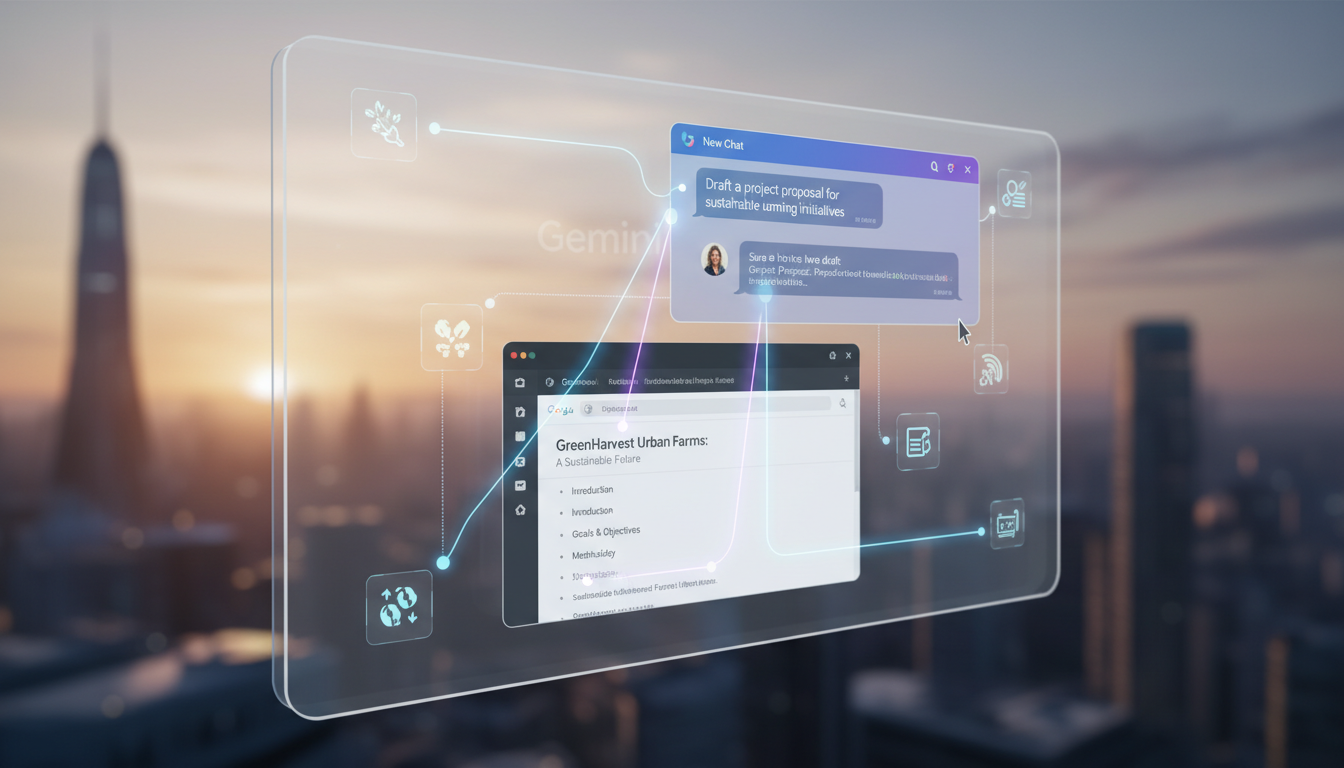
The system uses API links. These links connect Gemini to your account. However, you must grant access first. The AI scans your context. Because of this, it knows what you mean. It uses large language models to process info. Furthermore, it stays updated with your latest edits.
Specifically, it looks for keywords. It also checks dates and names. This happens fast. Therefore, the response time is quick. You feel like you have a smart assistant. In addition, the AI learns your style. This helps it write like you do.
List of Supported Google Apps
Many apps now work with Gemini. Google adds more apps often. Currently, the main apps are Gmail and Drive. However, Maps and YouTube also connect. This allows for deep searches. Consequently, you can find anything quickly.
| App Name | Main Feature | Benefit |
|---|---|---|
| Gmail | Email Summaries | Saves time reading |
| Google Drive | File Search | Finds docs fast |
| Google Maps | Location Data | Plans trips easily |
| YouTube | Video Analysis | Finds specific facts |
How to Enable Gemini Extensions
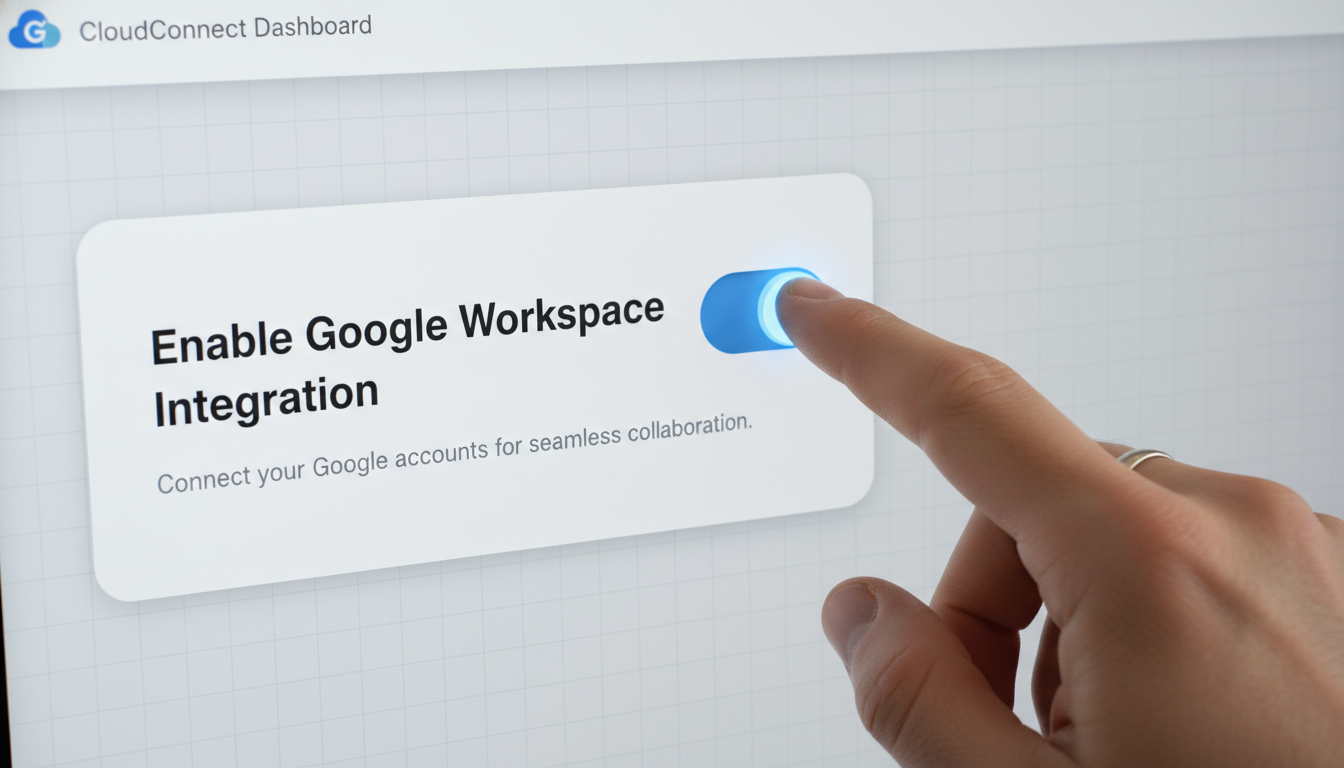
First, open the Gemini website. Look for the settings icon. It usually looks like a gear. Click on the extensions tab. Here, you see a list of apps. Therefore, you can choose what to link.
Next, toggle the switch for each app. However, read the prompts carefully. Google will ask for permission. Because you want the AI to work, click agree. Finally, test the connection. Ask Gemini to find an old email. Consequently, it should find it instantly.
Privacy and Data Safety
Privacy is very important. Many people worry about AI. However, Google says your data is safe. They do not train models on private files. Therefore, your secrets stay hidden. You can also turn it off anytime.
In addition, you control the access. You choose which folders the AI sees. Consequently, sensitive files remain private. Because of this, businesses can use it safely. Moreover, Google uses strong encryption. This protects your data from hackers.
Real World Use Cases
Imagine you are planning a trip. You have emails about flights. You also have a hotel doc in Drive. Gemini can find both. Therefore, it can make an itinerary for you. This saves hours of manual work.
Another use case is at work. You need to find a specific project note. However, you forgot where you saved it. Just ask Gemini for the note. Specifically, give it a few keywords. Because it scans everything, it finds it. Consequently, your productivity stays high.
AI Assistant Comparison
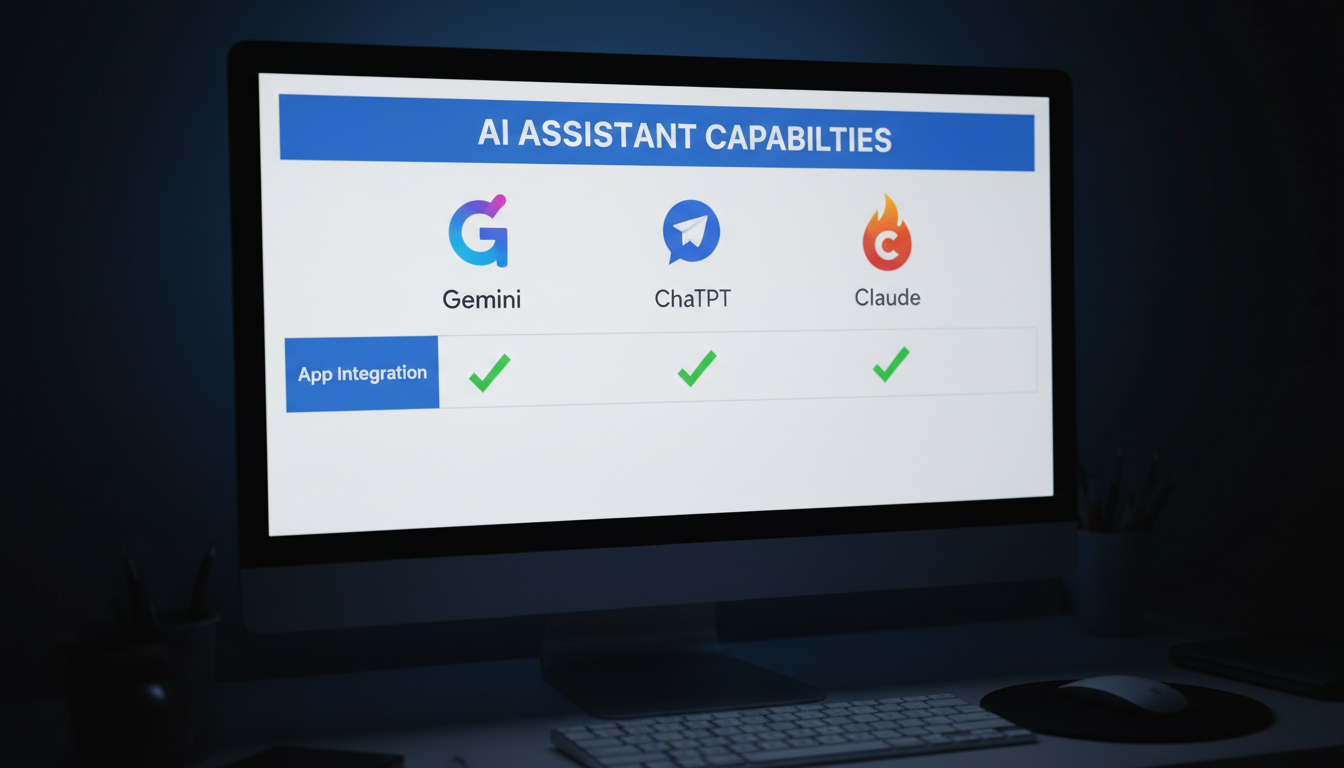
Gemini is unique because of its ecosystem. Other AIs like ChatGPT lack this depth. While ChatGPT is smart, it lacks your files. Therefore, Gemini has a clear edge for users. However, Claude is also very good at text.
Specifically, Google integration is the winner. Because most people use Gmail, it is handy. In addition, the price is often included. Therefore, it is a great value. Consequently, more users are switching to Google AI.
Future of Google AI
Google will improve this tool soon. We expect more app links. Specifically, Google Photos may be next. This will allow AI to find images. Moreover, it will get faster. Therefore, our digital lives will change. In addition, the AI will get smarter.
Ultimately, Gemini is a game changer. It bridges the gap between AI and work. Because it is easy to use, everyone can try it. However, stay mindful of your settings. Consequently, you will master the digital world. The future is very bright for AI.
