

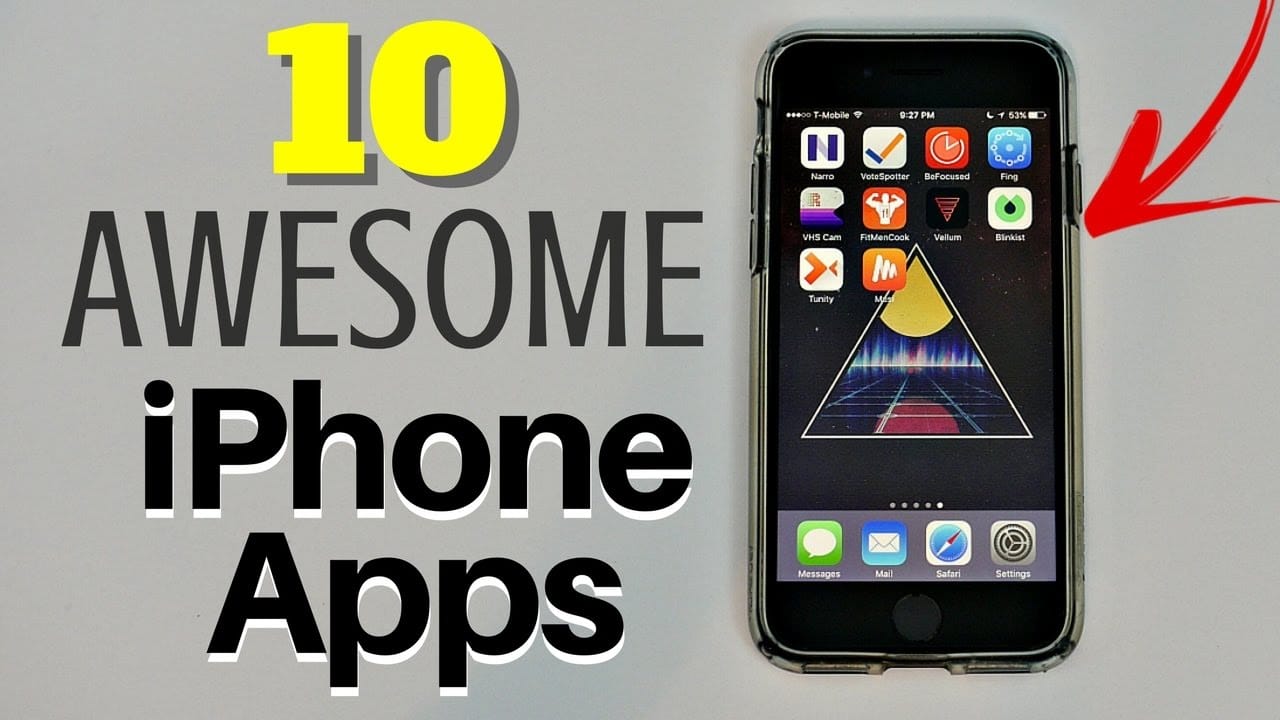
With the increasing popularity of video content, having a reliable way to download videos on iPhone is essential. Whether you want to save YouTube tutorials, Instagram reels, or Facebook videos for offline viewing, this guide covers the 10 best video downloader apps for iPhone—tested, safe, and easy to use.
Why Download Videos on iPhone?
Before diving into the apps, let’s explore why downloading videos is beneficial:
✅ Watch offline – No internet? No problem!
✅ Save mobile data – Avoid buffering and high data usage.
✅ Preserve content – Keep videos before they’re deleted.
✅ Easy sharing – Transfer videos via AirDrop, WhatsApp, or email.
Now, let’s explore the best apps to download videos on iPhone.
1. Documents by Readdle (Best All-in-One Downloader)
Documents by Readdle is a file manager + video downloader that works with YouTube, Vimeo, and more.
Key Features
✔ Built-in browser for downloading videos
✔ No ads or watermarks
✔ Supports background downloads
How to Use
- Open the app and use the built-in browser to find a video.
- Copy the video URL and paste it into the downloader.
- Save the video to your iPhone’s Photos or Files app.
Pros & Cons
✔ No jailbreak needed
✔ Supports multiple sites
❌ Manual download process
2. Video Saver – Downloader App (Best for Social Media)
Video Saver specializes in downloading videos from Instagram, Facebook, TikTok, and Twitter.
Key Features
✔ One-tap downloads
✔ No quality loss
✔ Built-in media player
How to Use
- Copy the video link from Instagram/Facebook.
- Open Video Saver and paste the URL.
- Download and save to your camera roll.
Pros & Cons
✔ Great for social media
✔ Simple interface
❌ Contains ads
3. MyMedia – File Manager & Player (Best for HD Videos)
MyMedia is a powerful downloader that supports 4K and HD video downloads.
Key Features
✔ High-speed downloads
✔ No watermark
✔ Supports background playback
How to Use
- Paste a video URL (YouTube, Vimeo, etc.).
- Choose quality (up to 4K).
- Download and play offline.
Pros & Cons
✔ High-quality downloads
✔ No ads in paid version
❌ Premium features require payment
4. Workflow (Shortcuts Automation for YouTube)
Shortcuts (formerly Workflow) lets you create custom YouTube downloader scripts.
Key Features
✔ No app installation needed
✔ Works with YouTube, Vimeo
✔ Free to use
How to Use
- Install a YouTube downloader shortcut (Example).
- Copy a YouTube link and run the shortcut.
- Save the video to Photos or Files.
Pros & Cons
✔ No third-party app
✔ Highly customizable
❌ Requires setup
5. TubeMate (Cydia Version for Jailbroken iPhones)
TubeMate (via Cydia) is a YouTube-dedicated downloader for jailbroken iPhones.
Key Features
✔ 4K YouTube downloads
✔ Batch downloading
✔ Fast speeds
How to Use
- Install via Cydia (jailbreak required).
- Search for a video and download.
Pros & Cons
✔ Best for YouTube
✔ Multiple format options
❌ Requires jailbreak
6. iDownloader (Best for Multiple Platforms)
iDownloader supports YouTube, Instagram, Facebook, and more.
Key Features
✔ Simple interface
✔ Fast downloads
✔ No watermark
How to Use
- Paste a video link.
- Choose MP4 or MP3.
- Download and enjoy offline.
Pros & Cons
✔ Works on many sites
✔ No jailbreak needed
❌ Some ads in free version
7. MediaBox HD (Stream & Download Videos)
MediaBox HD lets you stream and download movies, shows, and videos.
Key Features
✔ Huge library of content
✔ HD quality
✔ Free with ads
How to Use
- Search for a video.
- Tap Download and choose quality.
Pros & Cons
✔ Great for movies/TV shows
✔ No subscription needed
❌ Legal gray area
8. Secure Downloader (Private & Encrypted Downloads)
Secure Downloader keeps your downloads private and encrypted.
Key Features
✔ No tracking
✔ Password protection
✔ Supports cloud uploads
How to Use
- Paste a video URL.
- Download and encrypt the file.
Pros & Cons
✔ Best for privacy
✔ No ads
❌ Slower downloads
9. Total Files (File Manager + Video Downloader)
Total Files is a download manager with cloud support.
Key Features
✔ Download from Google Drive, Dropbox
✔ ZIP/RAR support
✔ Clean interface
How to Use
- Open the browser and find a video.
- Download and organize files.
Pros & Cons
✔ Great for cloud users
✔ File management tools
❌ Limited video site support
10. Offline – Video Downloader (Simplest Option)
Offline is a straightforward downloader for quick saves.
Key Features
✔ One-tap downloads
✔ No sign-up required
✔ Lightweight app
How to Use
- Copy a video link.
- Open Offline and paste.
- Download in seconds.
Pros & Cons
✔ Easiest to use
✔ No extra features cluttering the app
❌ Basic functionality only
How to Transfer Downloaded Videos to a Computer
Want to move videos from iPhone to PC or Mac?
Option 1: AirDrop (Mac Users)
- Open Files app → Select video → Share → AirDrop.
Option 2: iTunes/Finder (Windows & Mac)
- Connect iPhone via USB → Open iTunes/Finder → File Sharing.
Option 3: Cloud Upload (Google Drive, Dropbox)
- Upload and download on a computer.
Tips for Safe Video Downloading
🔹 Avoid malware – Only use trusted apps.
🔹 Check copyrights – Don’t download illegal content.
🔹 Use Wi-Fi – Save mobile data.
Final Thoughts
Now you know the 10 best apps to download videos on iPhone:
- Documents by Readdle (Best all-in-one)
- Video Saver (Best for social media)
- MyMedia (Best for HD videos)
- Shortcuts Automation (No app needed)
- TubeMate (Jailbreak-only for YouTube)
- iDownloader (Multi-platform)
- MediaBox HD (Movies & TV shows)
- Secure Downloader (Private downloads)
- Total Files (Cloud integration)
- Offline (Simplest option)
🚀 Start downloading videos today and enjoy offline viewing!
